Givit
A Cloth Donation application
ROLE
UX Designer
EXPERTISE
UI/UX Design
YEAR
2022
Clothing is one of the essential needs for people, sadly, not everyone has them or can afford to get them. Clothes are also one of those things that most people want to give out. People want to give out clothes but most times either cannot reach the people that really need them or barely have the time to do so.
Timeline
From explorations to final designs in 7 weeks while working with multiple projects at the same time
Goal
To build a cloth donation mobile application that serves as a link between the donors and receivers.
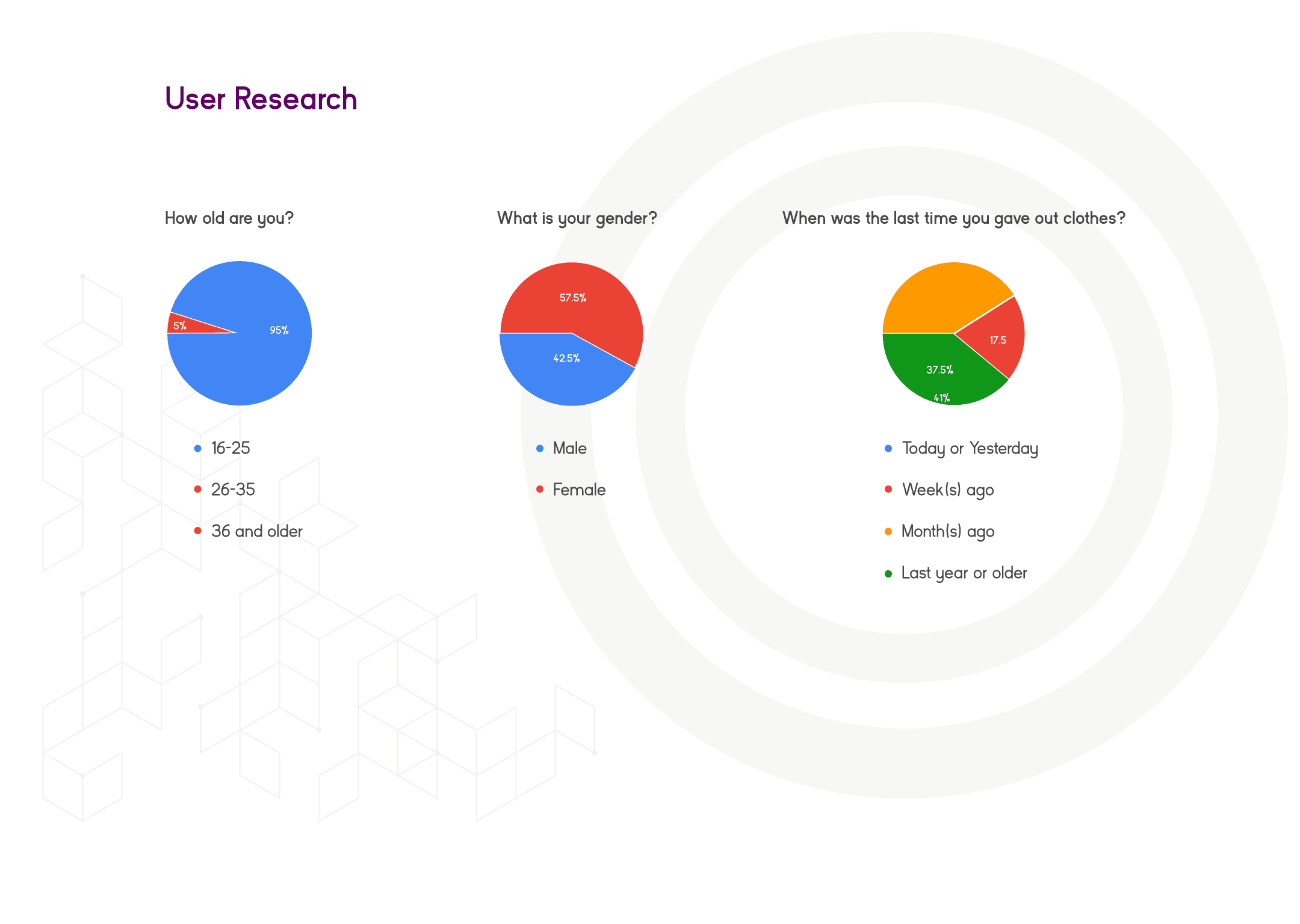
I carried out a primary research before starting the design. I used two different user research method which was the qualitative and quantitative analysis. In the qualitative research, I carried interviews on 5 people who have clothes to give out but cannot due to their various reasons. In the quantitative analysis, I took a survey on 40 people.
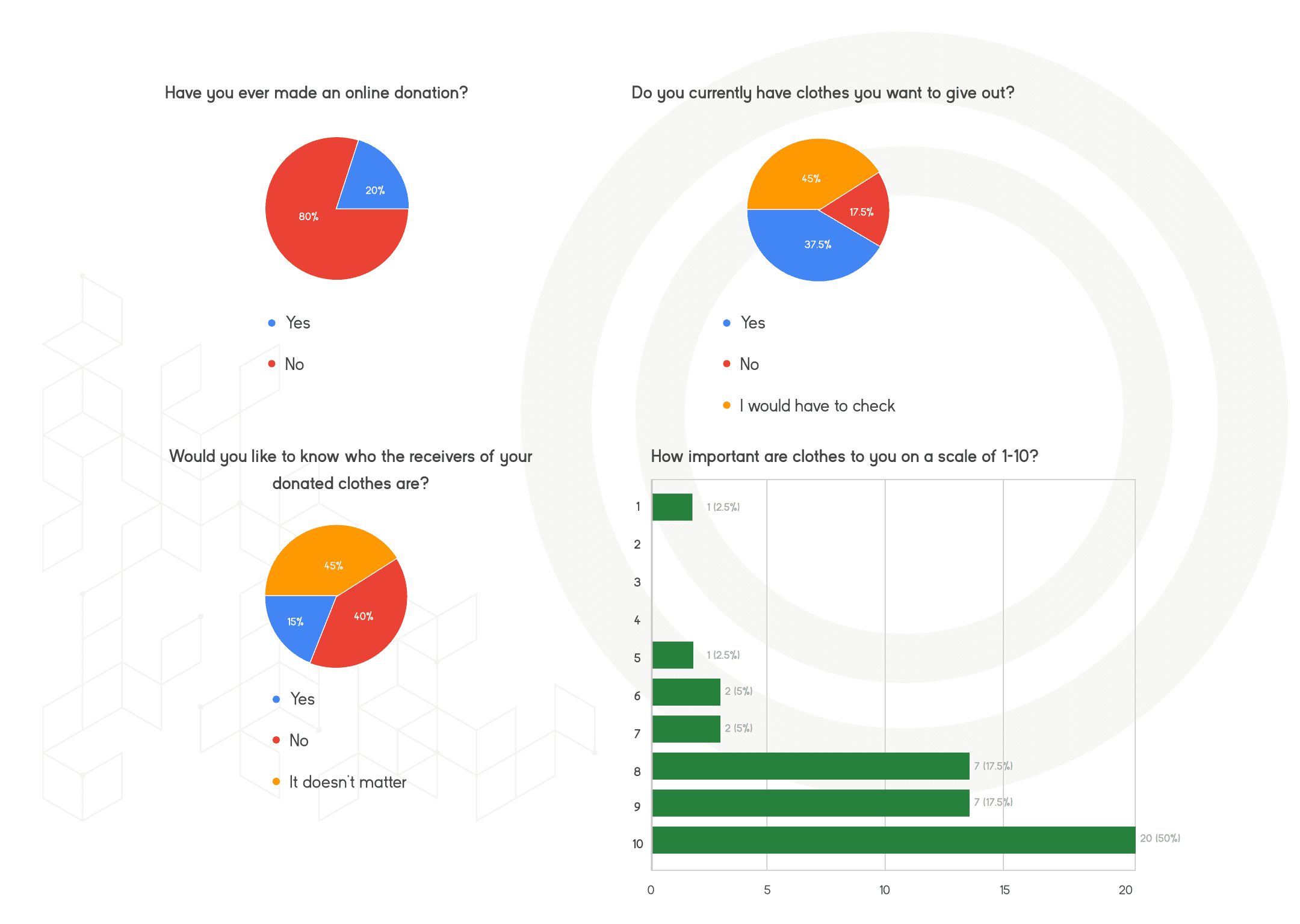
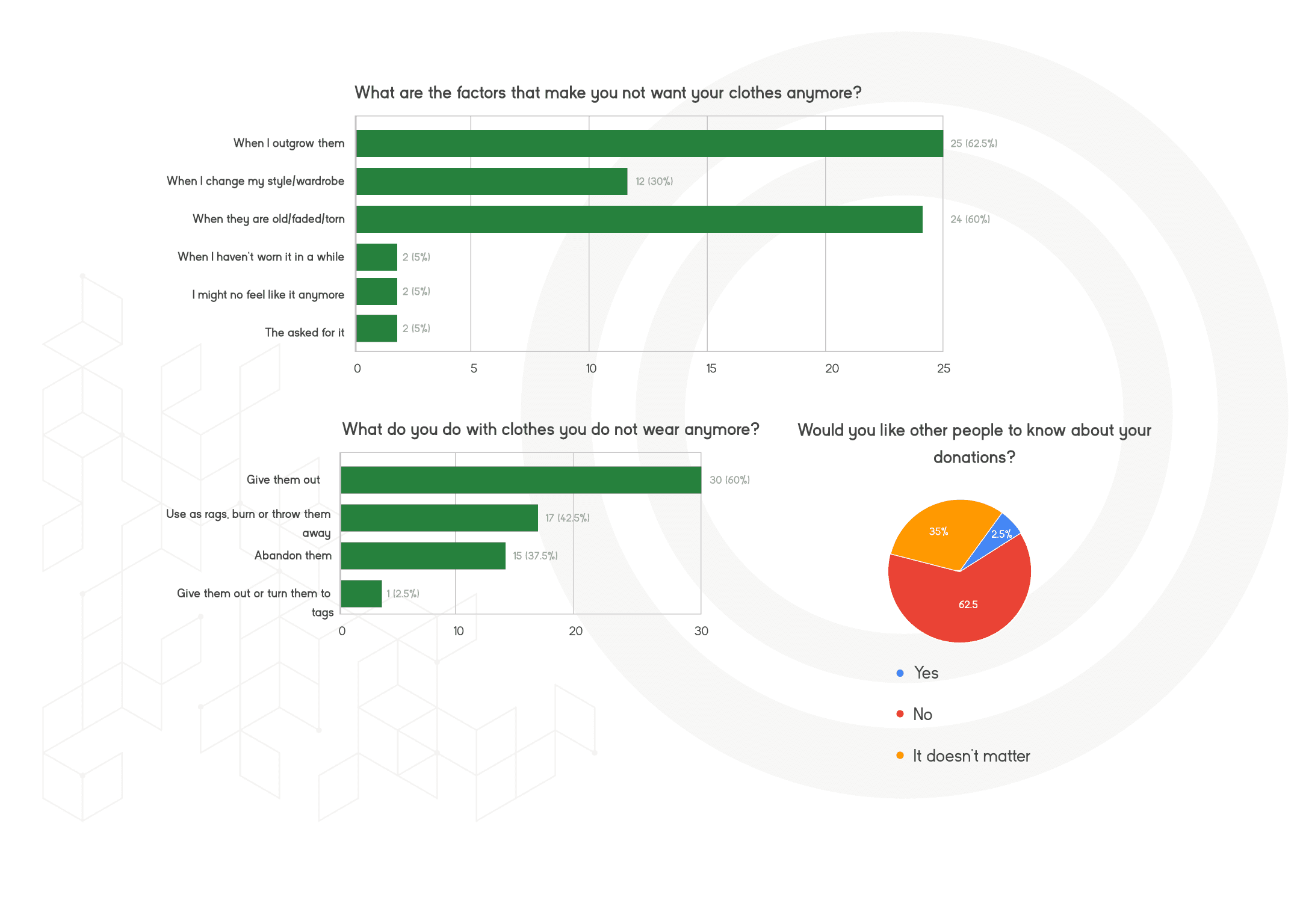
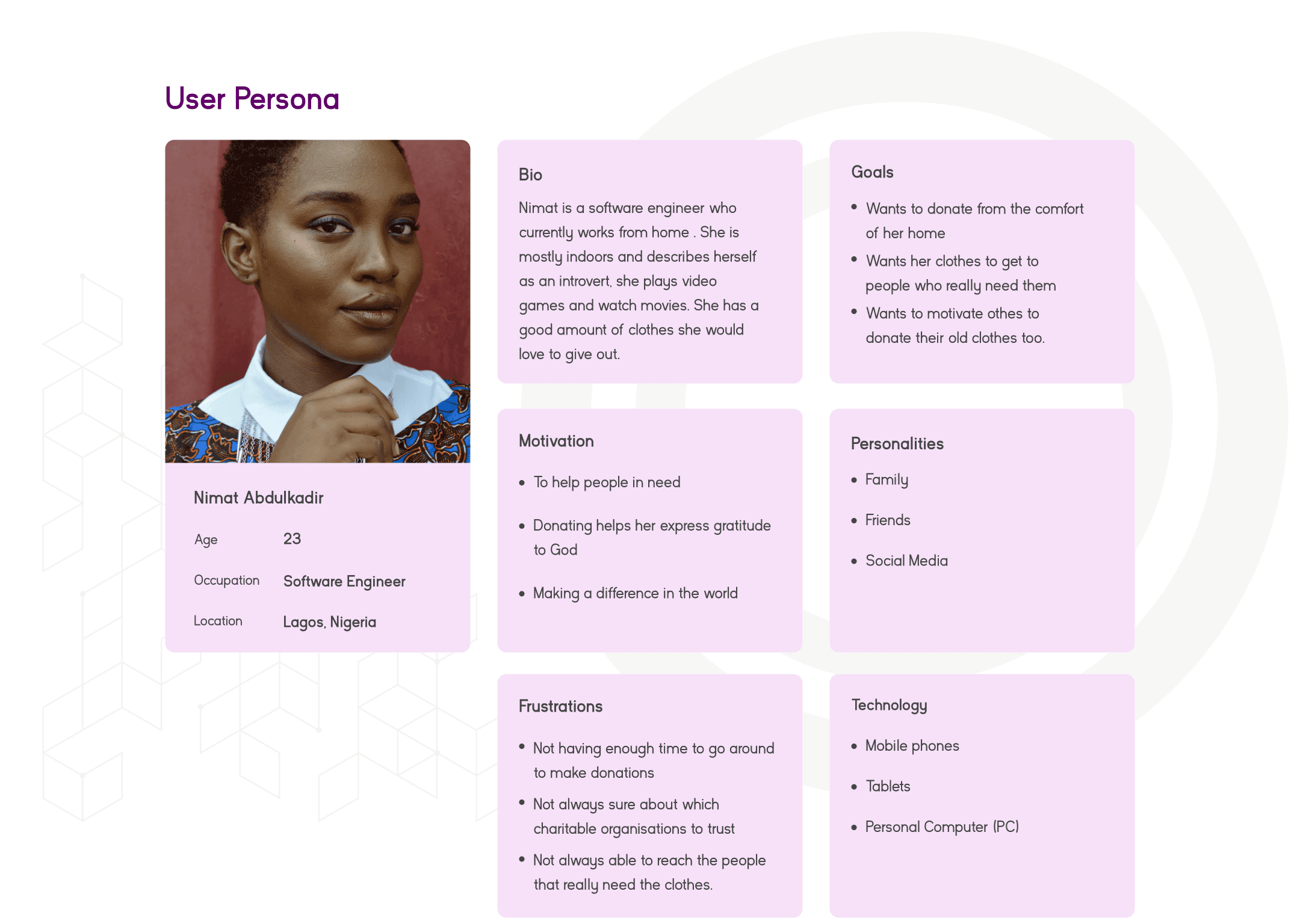
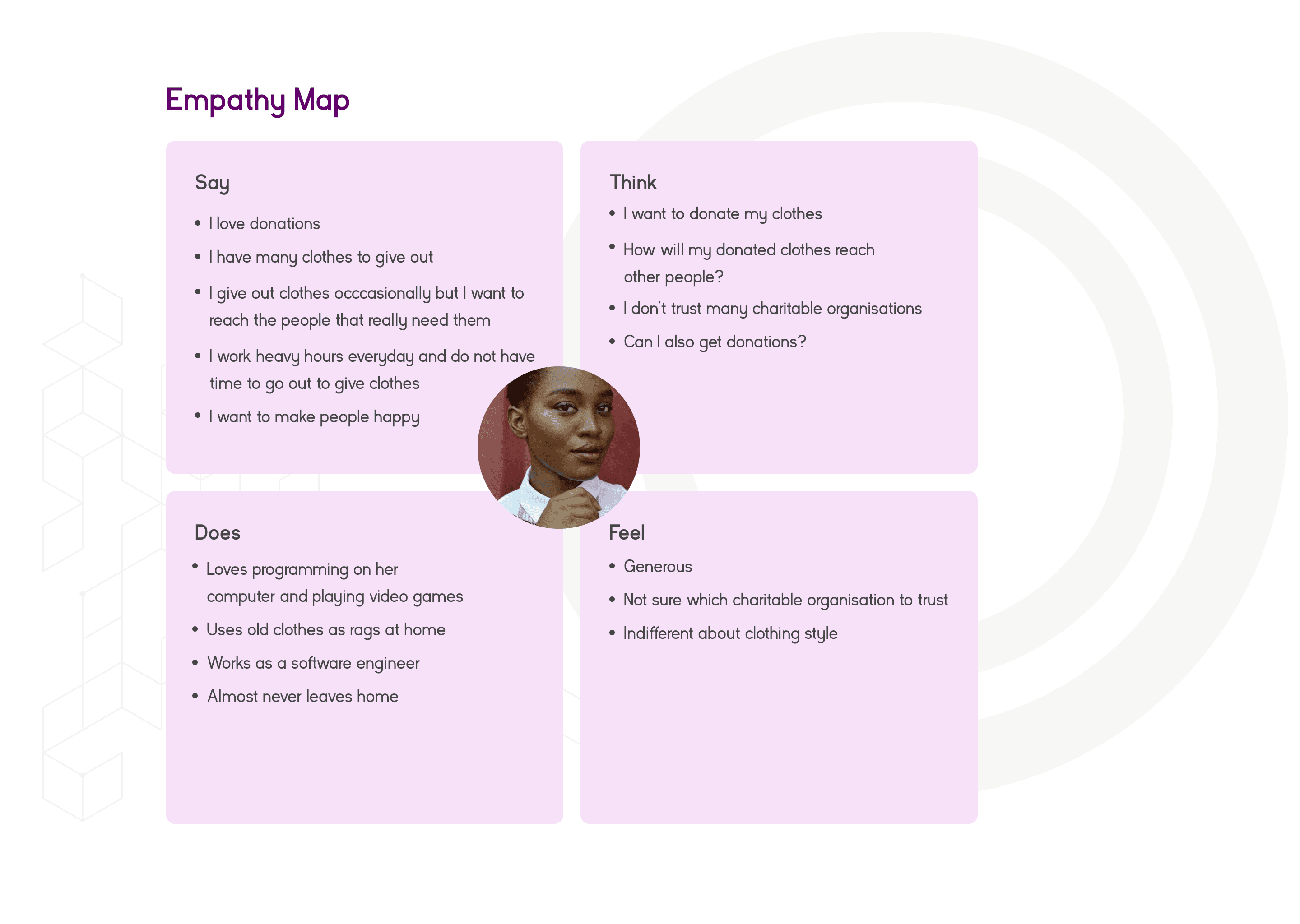
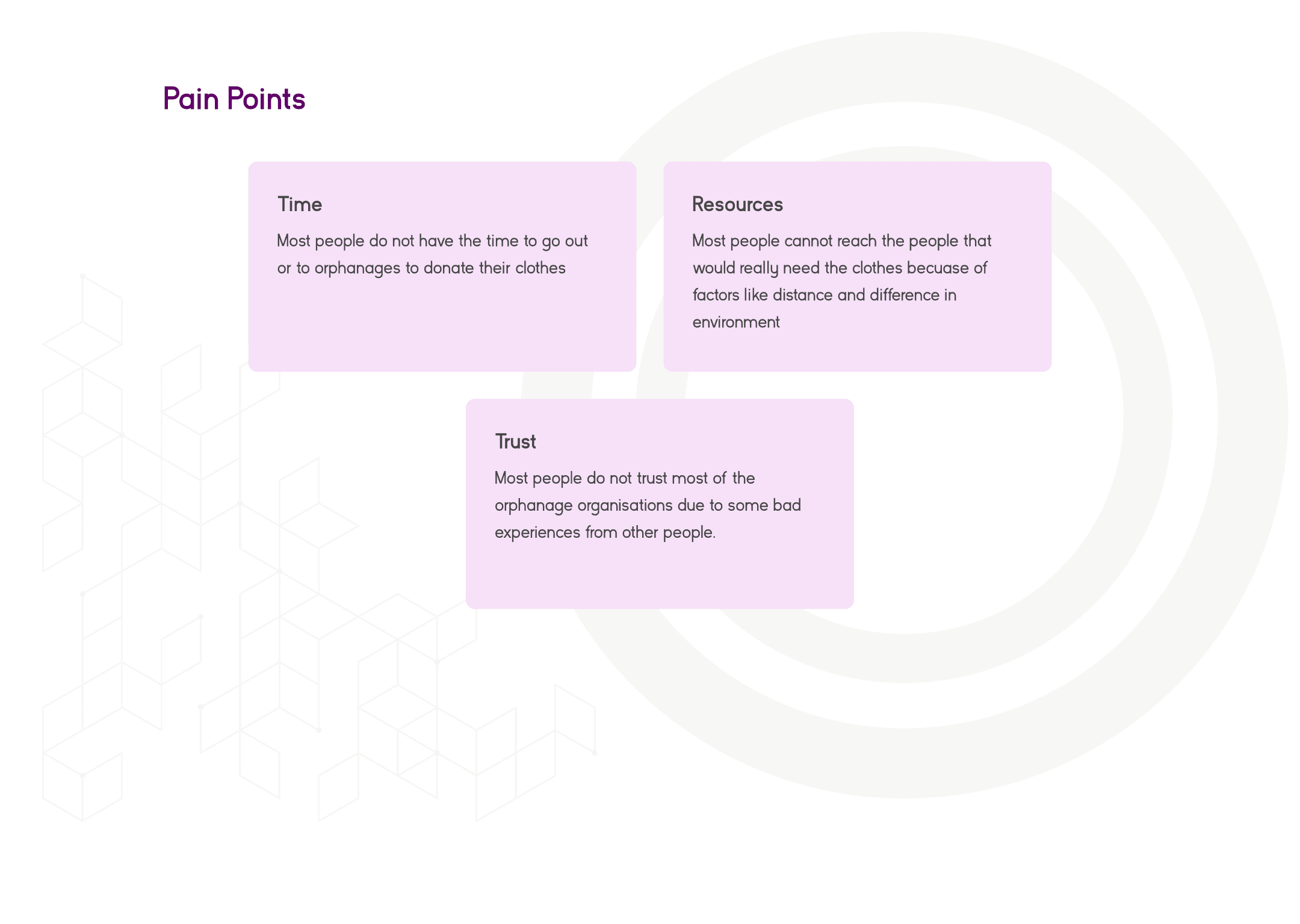
After conducting researches and drawing out the empathy map, these pain points are the problems that people that want to donate their clothes experience.
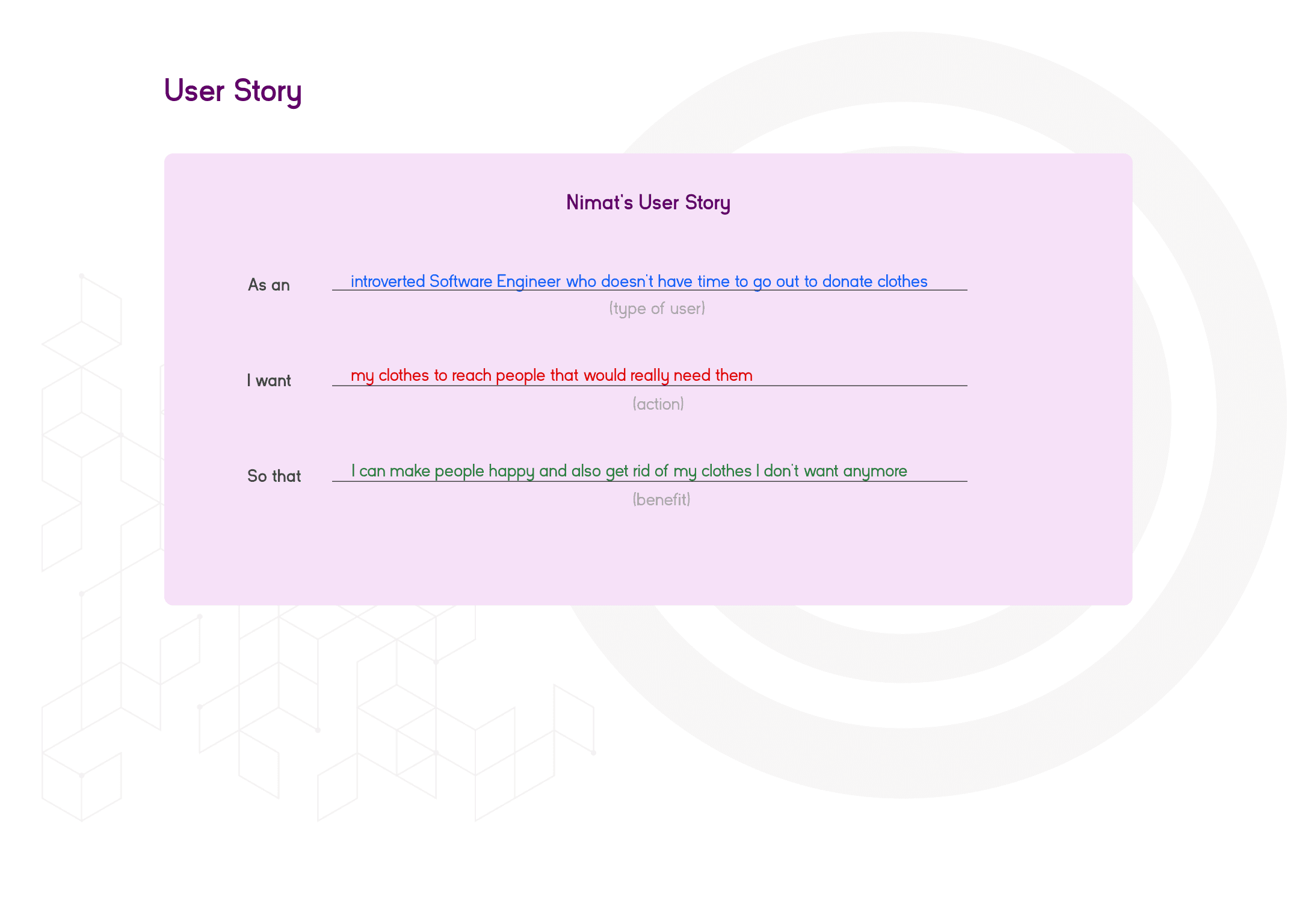
The user story is a fictional story told from by persona about their wants and needs. It helps the designer generate understanding of a software feature from the user’s perspective. In one sentence, the user story describes the user type, his wants and why.
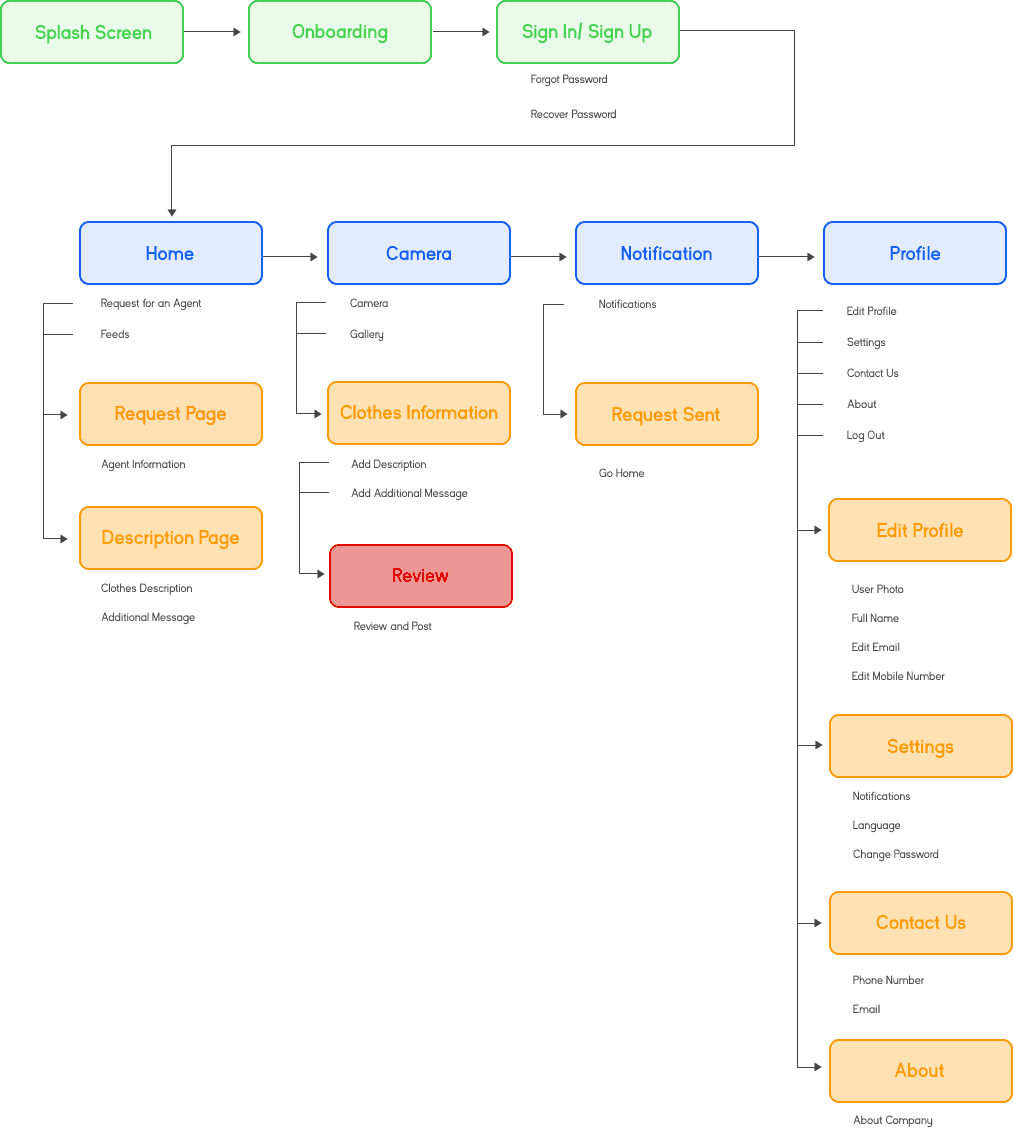
User Flow
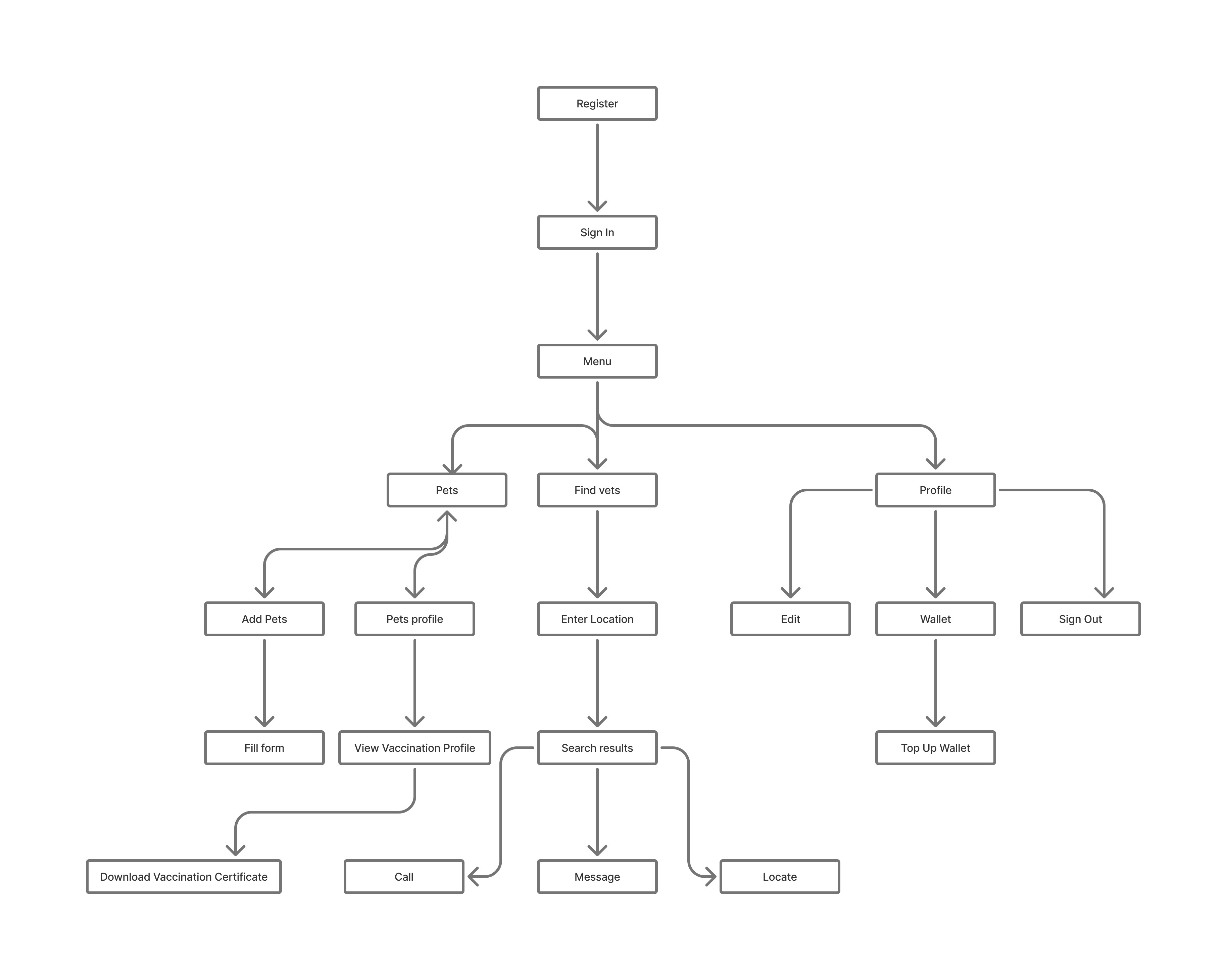
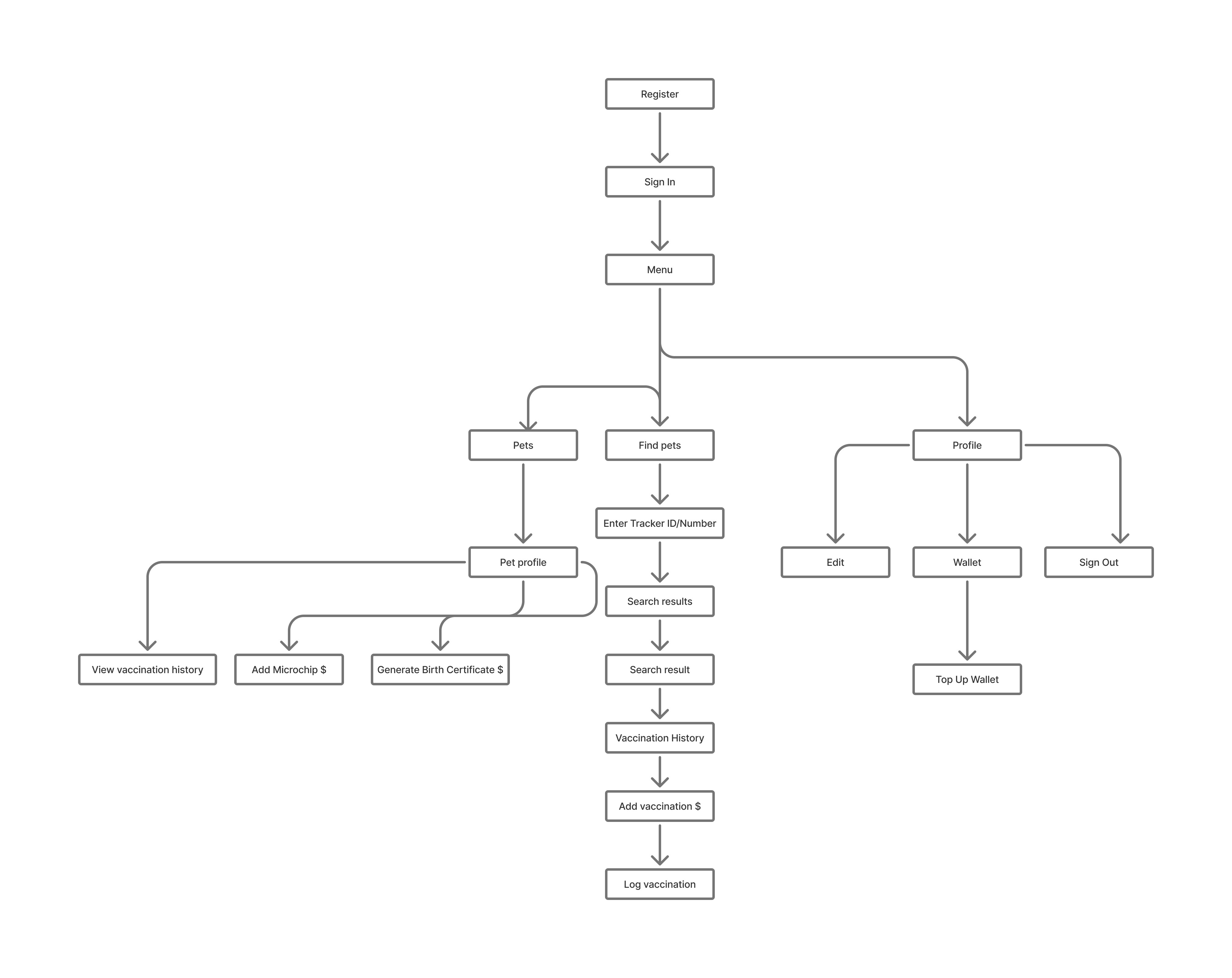
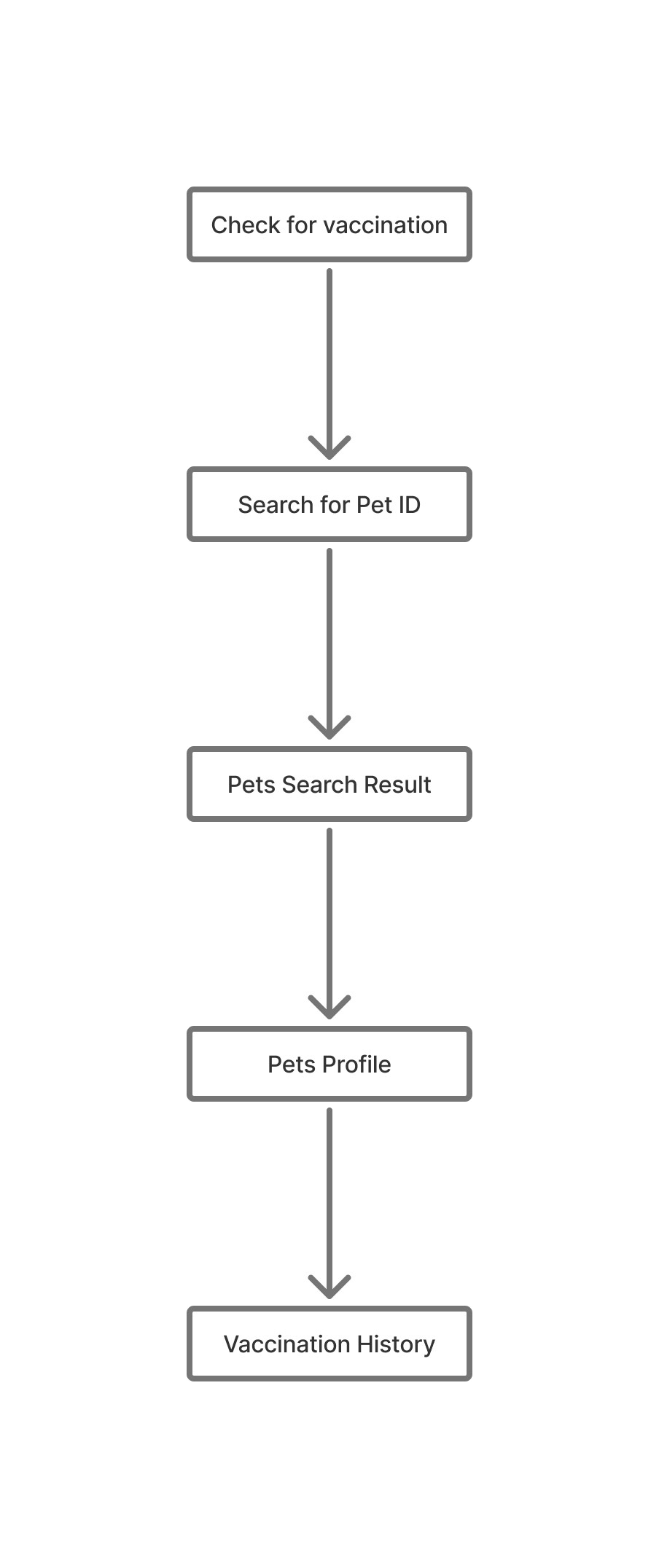
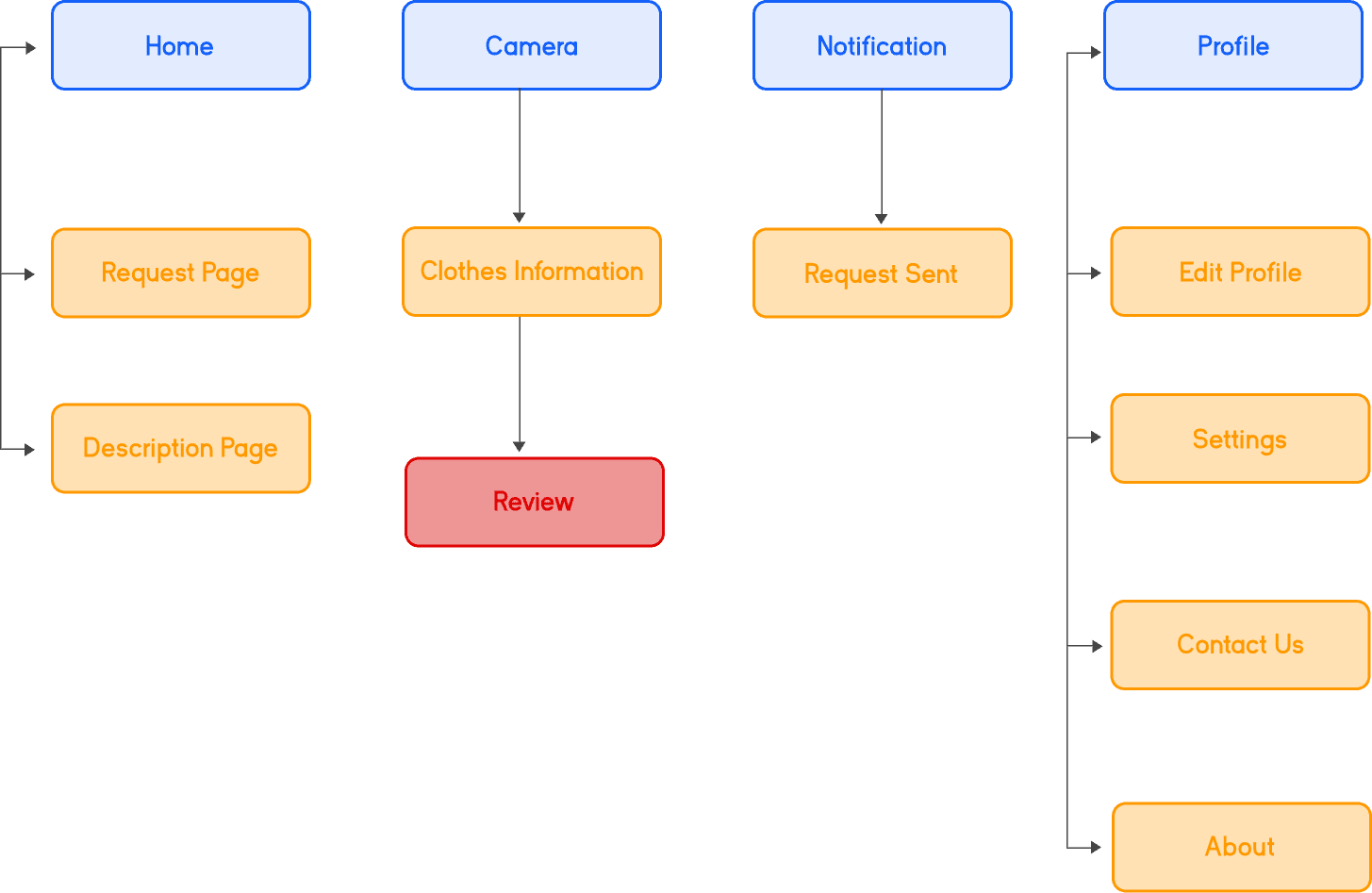
This user flow shows a diagram of the path that a user goes through when using the application from the starting point to the final interaction.
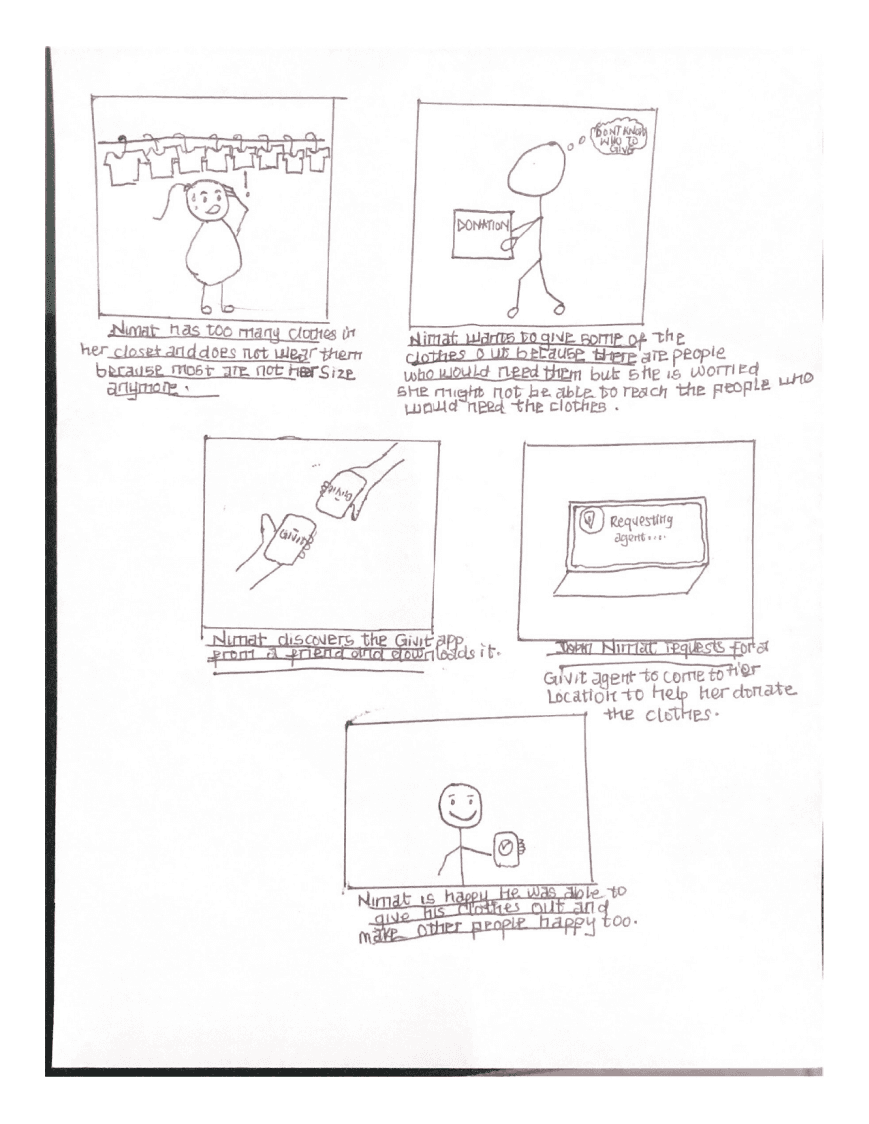
The storyboard is a visual representation of scenarios that contains a sequence of few events. It is helpful to designers to envision how users would see the product they design. It also plays a vital role in visualizing ideas.
Information architecture focuses mainly on organizing contents of a software so as to make it easier for users to find everything they need on the application without much stress
Sketches
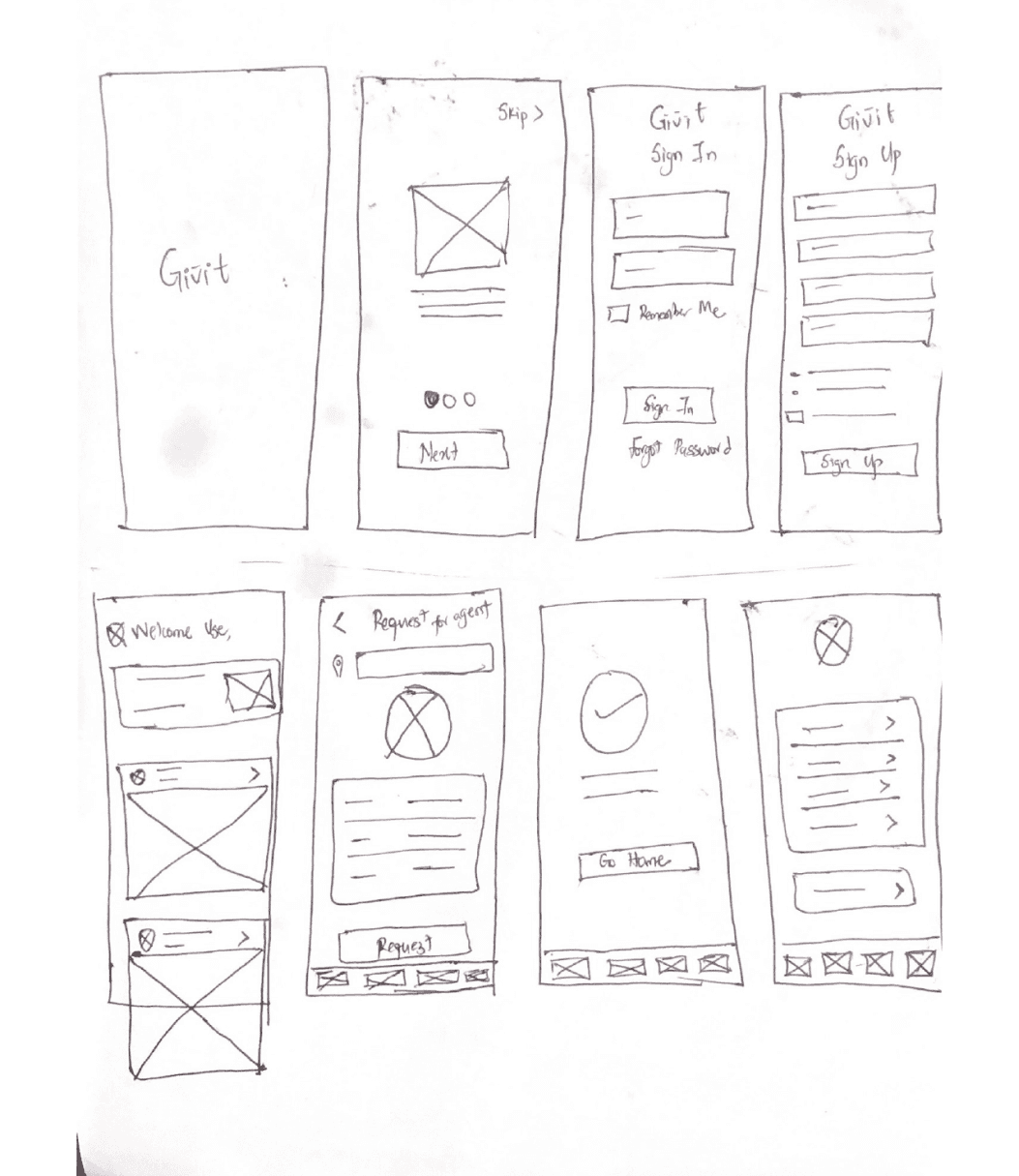
Before starting the design, I did a free hand sketch for the interface of the app. This sketch helps to visualize the screen-to-screen interaction so that the idea is visible and comprehensible. In this sketch I prioritized the user’s pain points and easy access of the app.
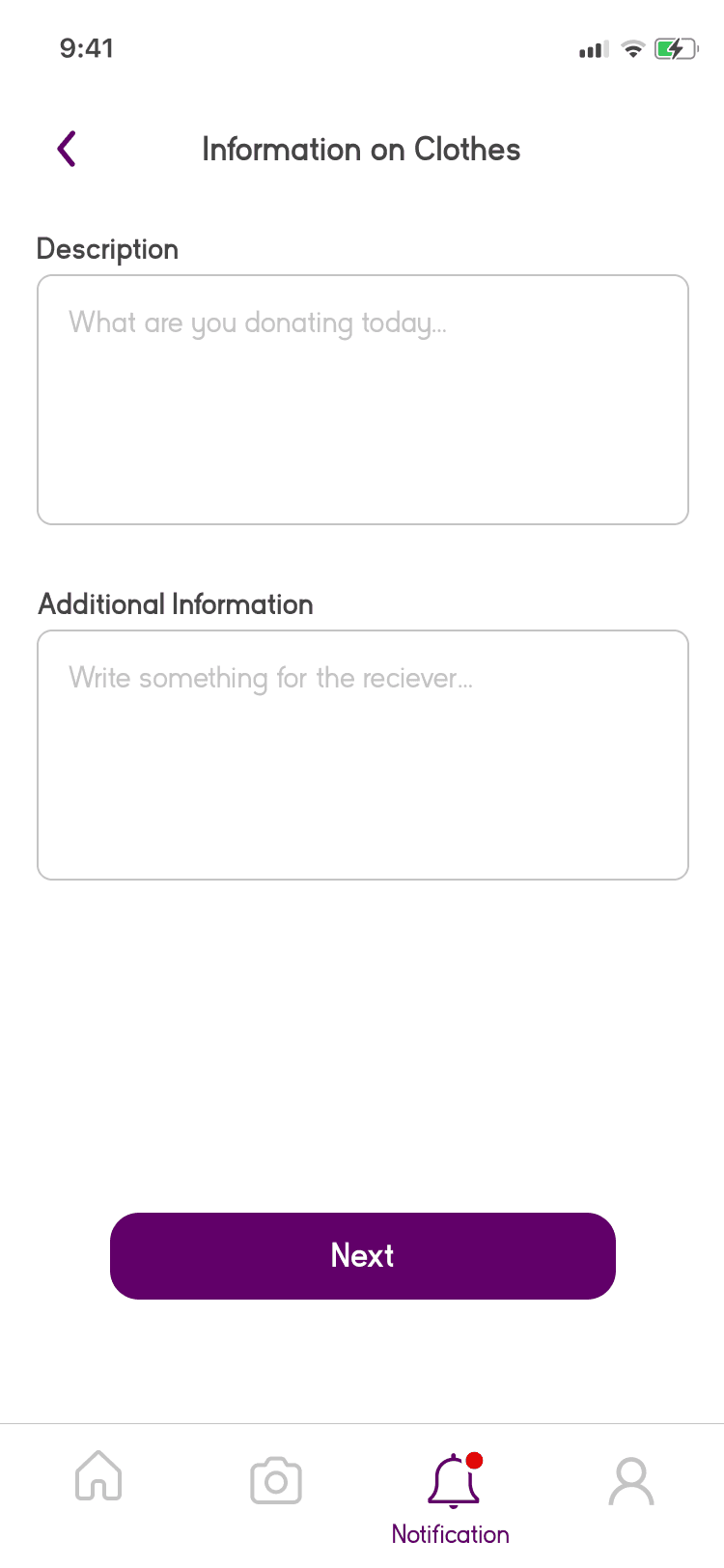
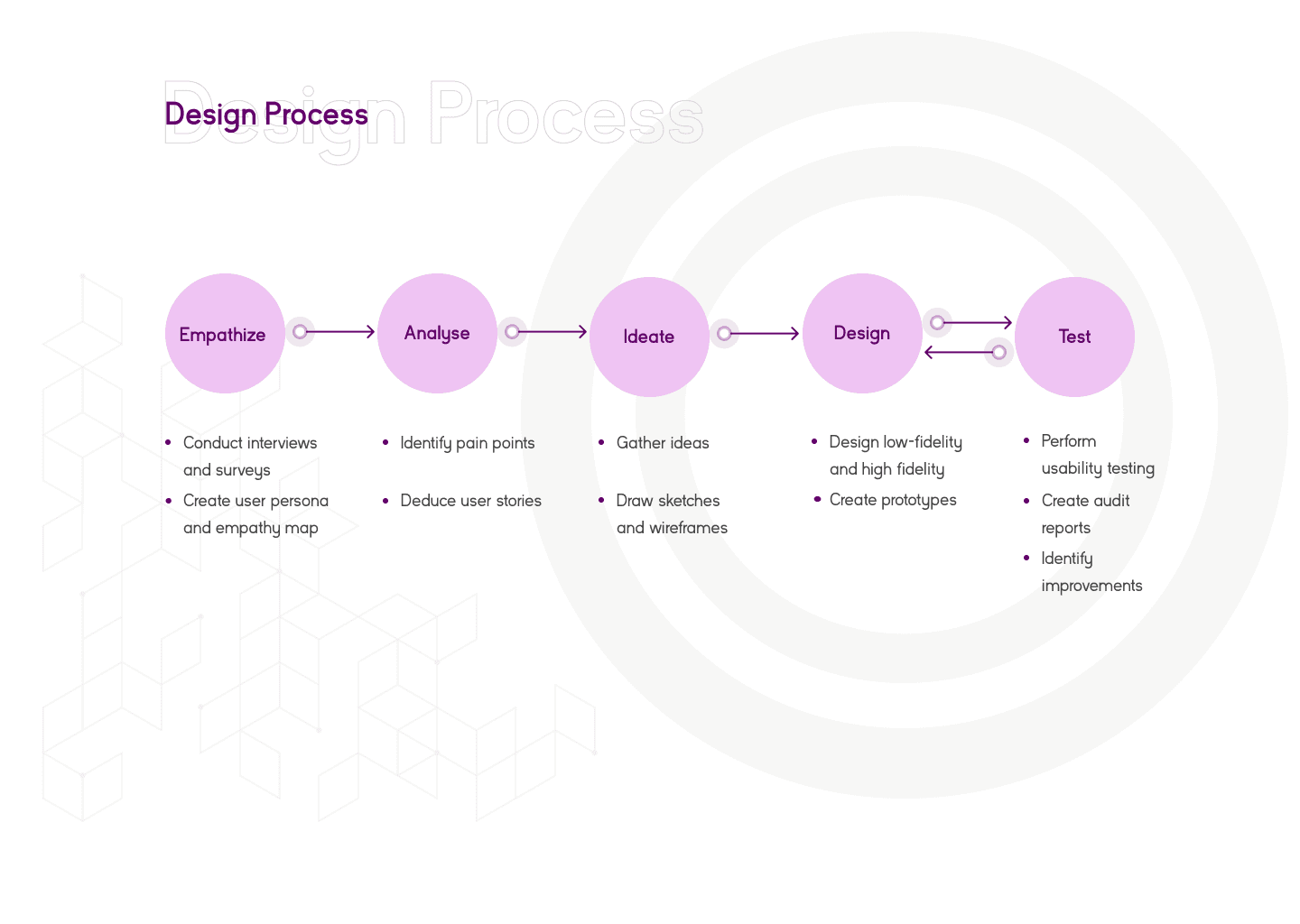
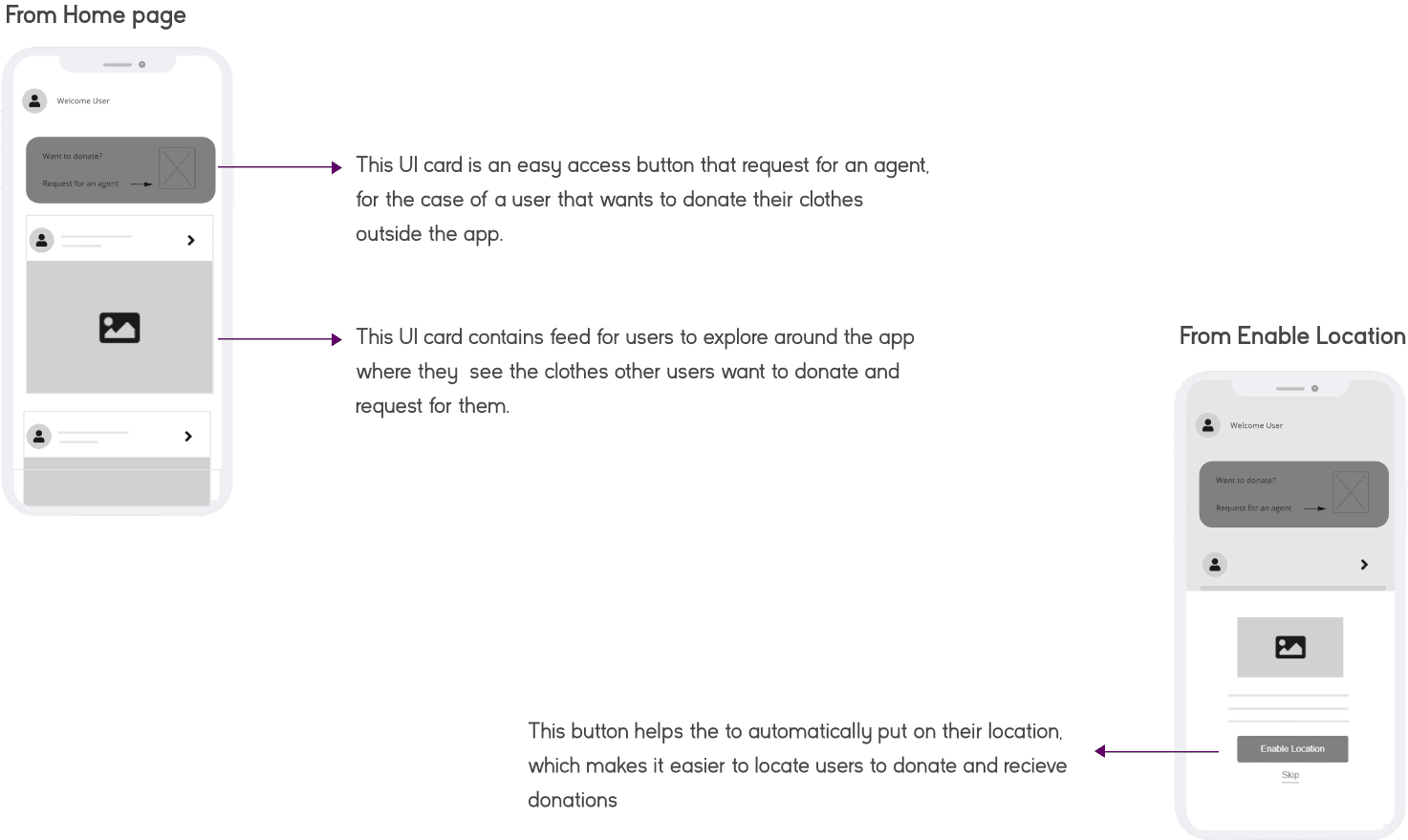
After the sketch, I proceeded to design the low fidelity wireframe from the sketch provided above. In this design, In this design, I made sure that the basis of each scrren designs are from feedbaks from the user resach conducted
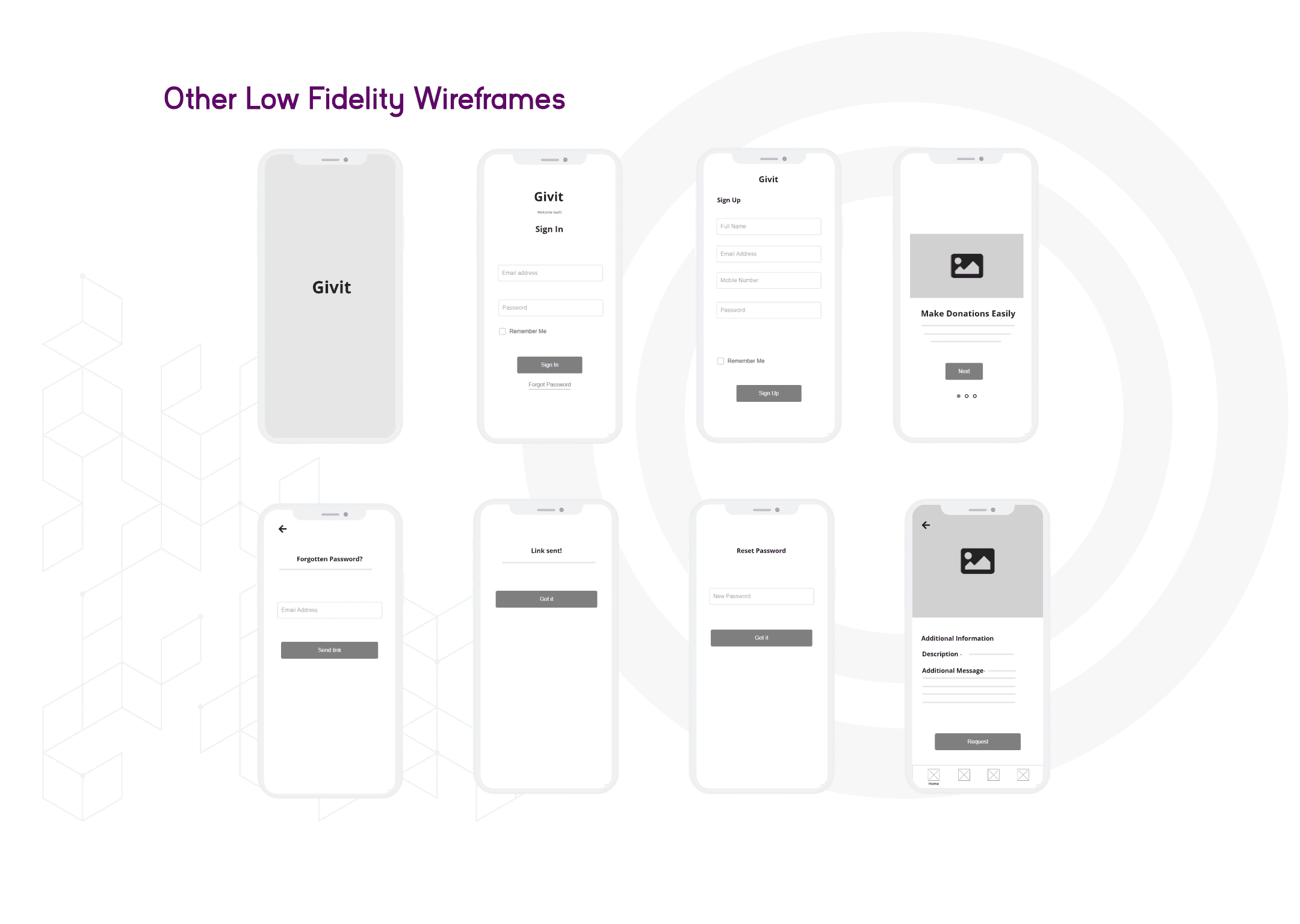
After the sketch, I proceeded to design the low fidelity wireframe from the sketch provided above. In this design, In this design, I made sure that the basis of each scrren designs are from feedbaks from the user resach conducted

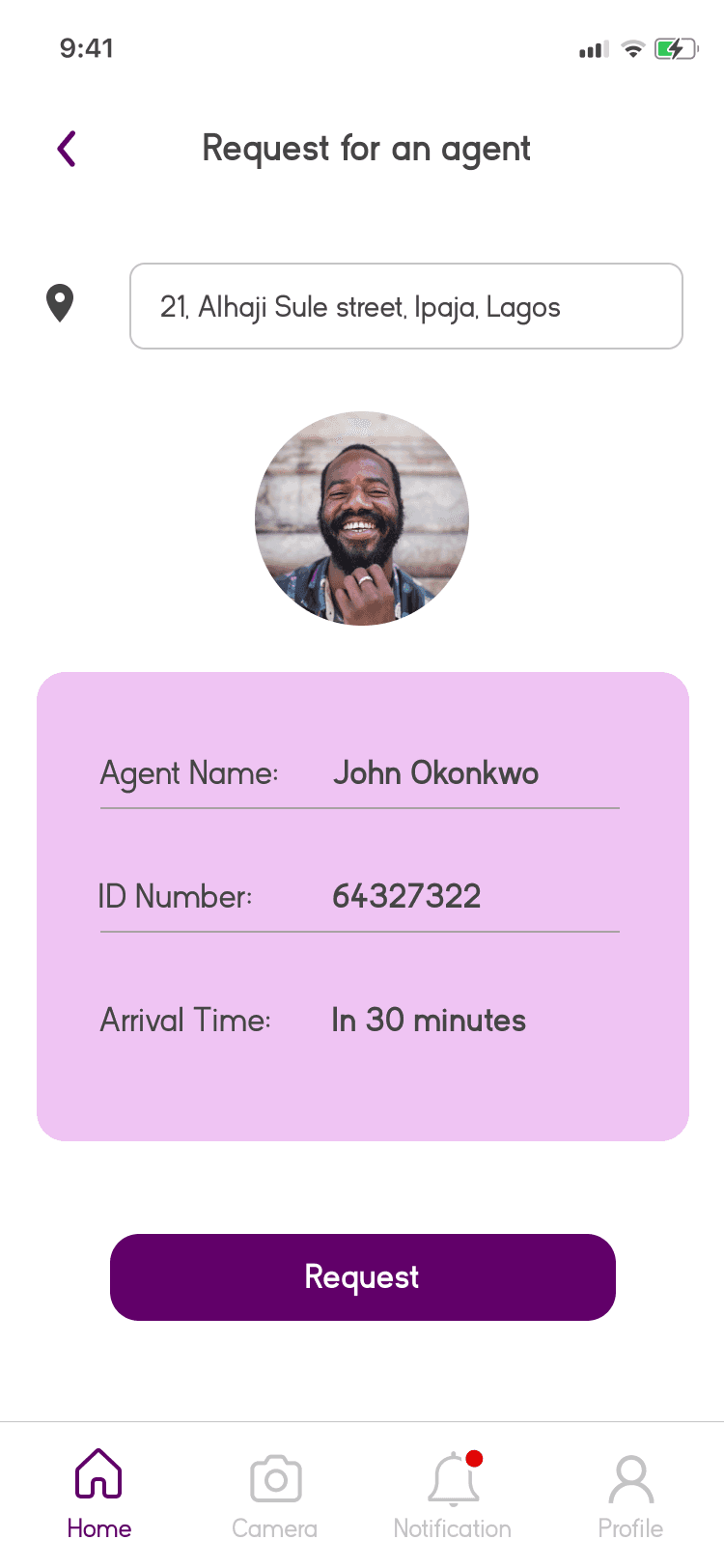

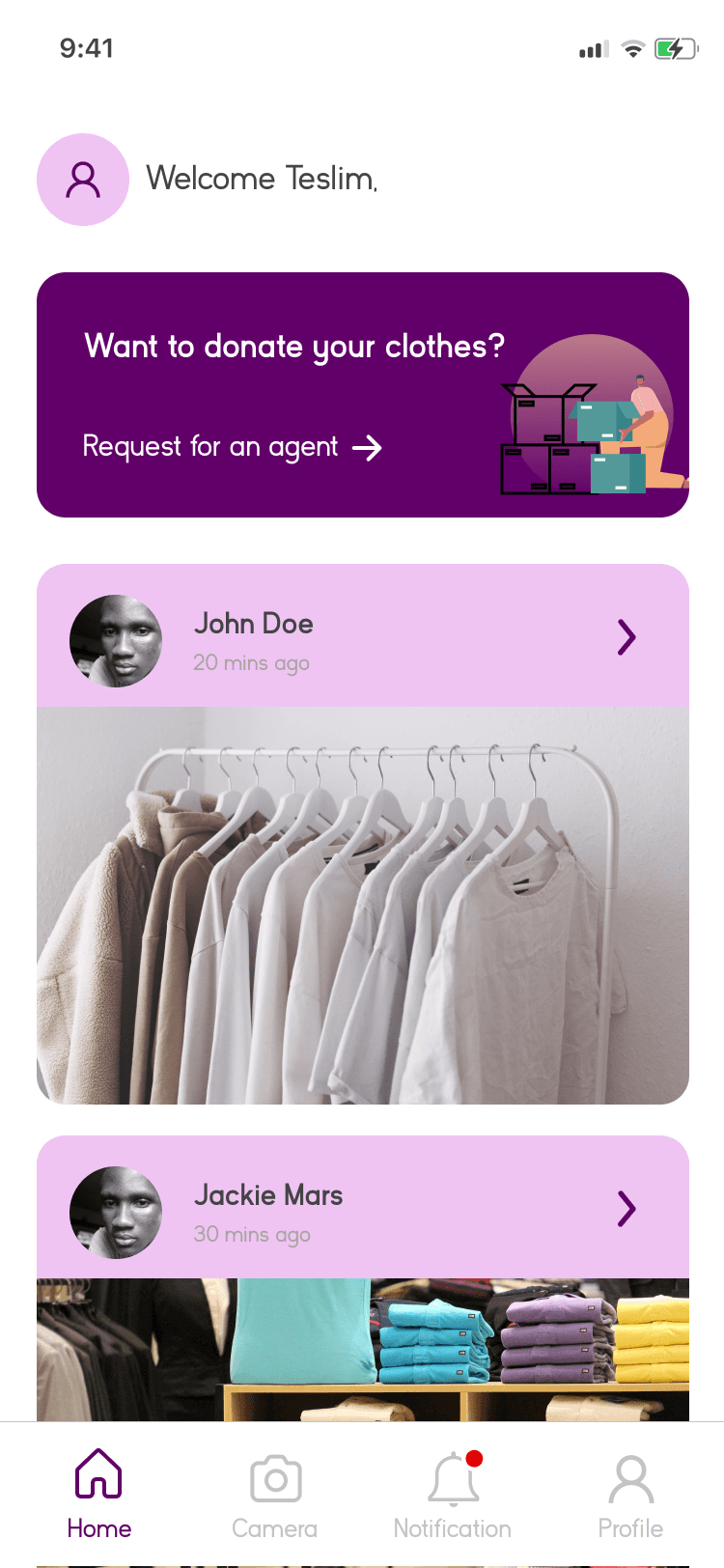
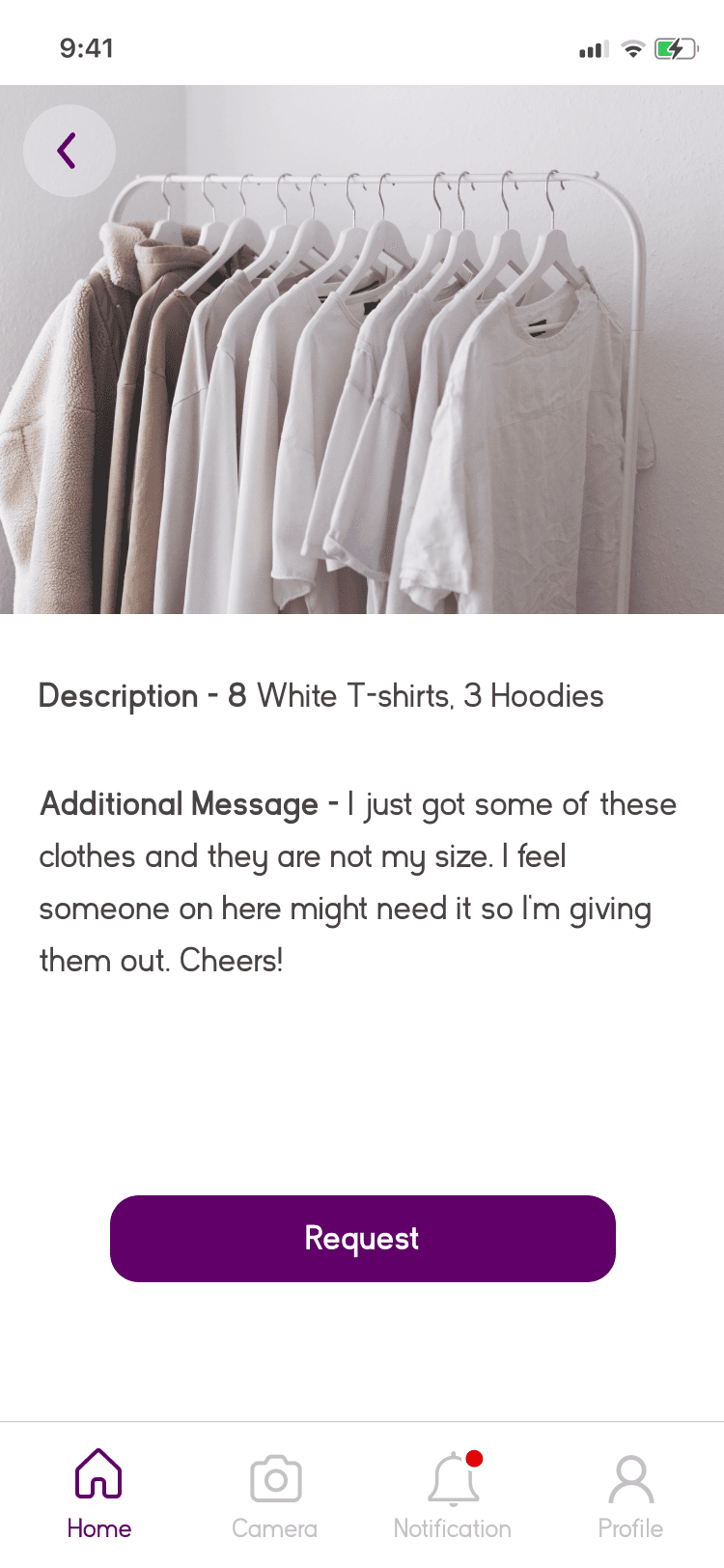
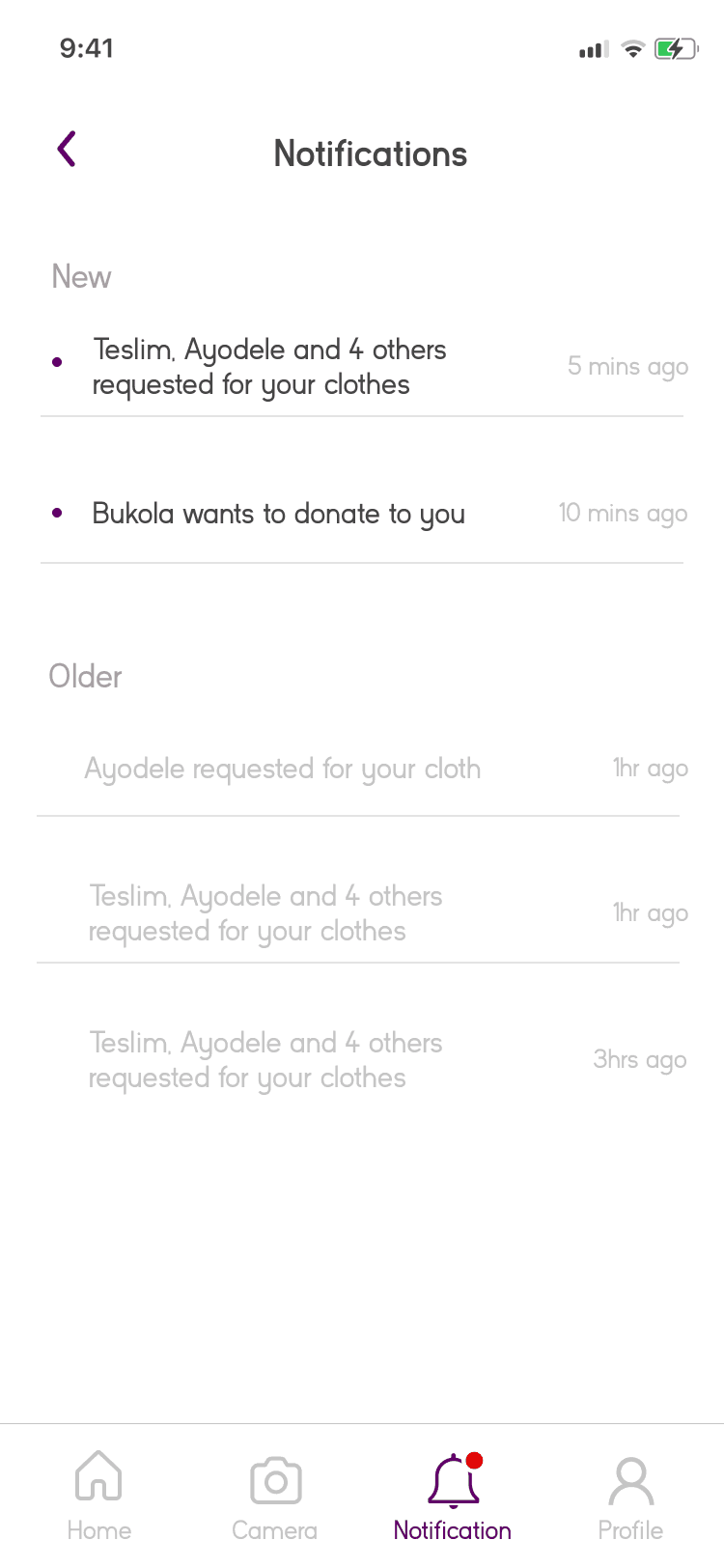
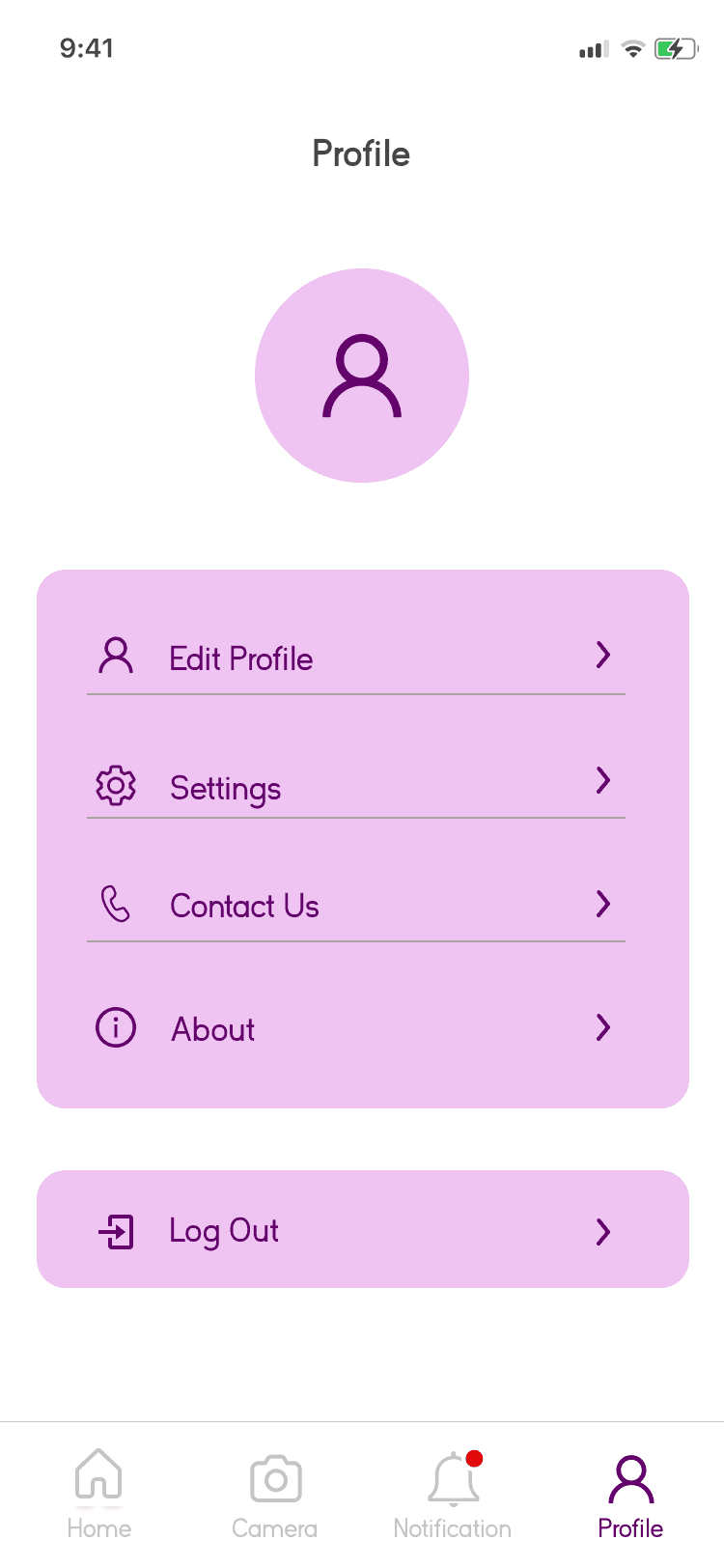
Other Screens